
Money
How to Find Subscriptions You Forgot You Were Paying For
Forgotten subscriptions are usually small enough to ignore. This guide shows how to find recurring charges, identify who bills them, cancel from the right place and keep proof.
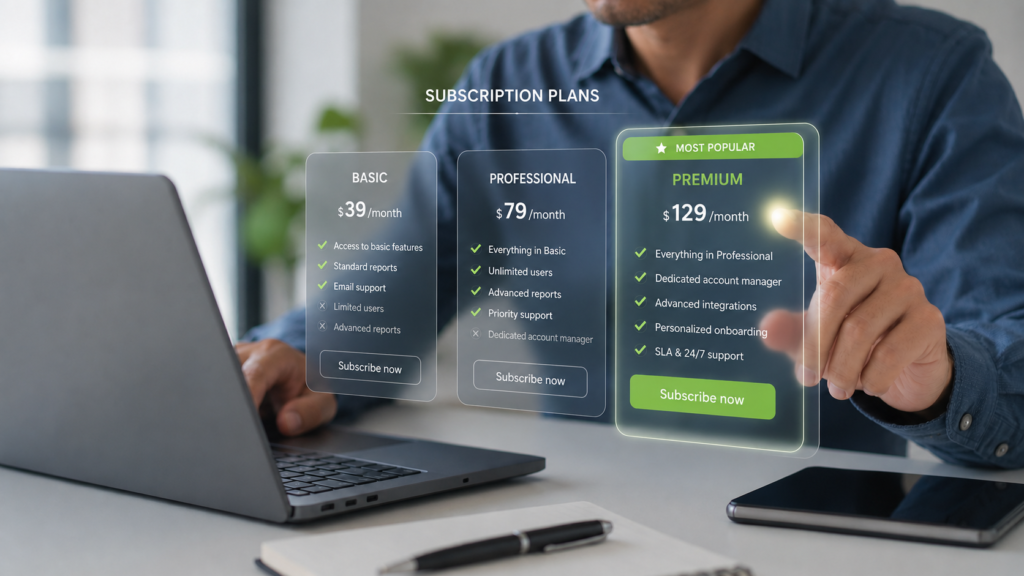
Subscription plans often look simple at signup. The real test is whether the charge still earns its place months later. Editorial illustration created for HFD.
The charge is usually too small to feel like an emergency.
$4.99. $7.99. $12.99. Maybe $19.99 if the subscription has become confident.
It does not crash into your budget. It slips in quietly, wearing a familiar name and pretending it has always lived there. By the time you notice it, the service may have renewed for months. Sometimes the app is gone. Sometimes the free trial ended long ago. Sometimes the company name on your statement looks nothing like the product you remember signing up for.
This is how forgotten subscriptions survive.
They do not need you to love them.
They only need you not to look.
Finding them is less about becoming a perfect budget person and more about doing a small investigation. You are not trying to punish yourself for every streaming app, cloud plan, workout trial, delivery membership or newsletter you ever tried. You are trying to separate subscriptions that still earn their place from charges that are simply coasting.
The goal is not to cancel everything.
The goal is to make every recurring charge explain why it is still there.
Start With the Statement, Not the App Drawer
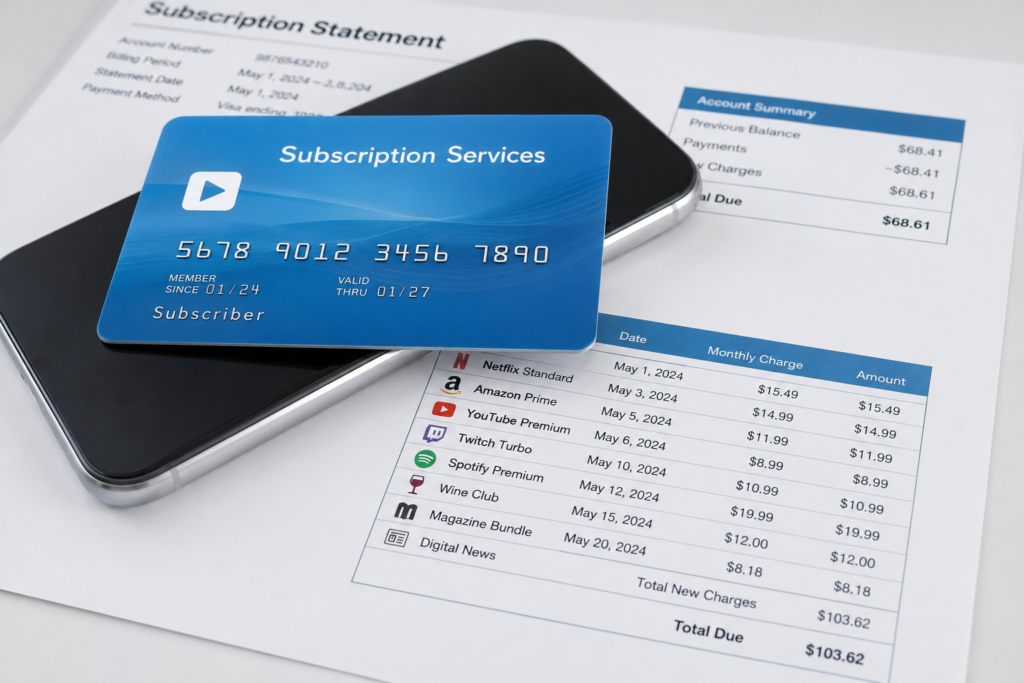
Most people start by looking through their phone.
That catches some subscriptions, but not all of them.
An app can be deleted while the subscription continues. A service can bill through a website instead of the App Store or Google Play. A streaming plan can renew through a smart TV account. A gym, meal kit, cloud storage plan, dating app, software tool or newsletter can charge directly to your card. PayPal can hold an automatic payment agreement. Your mobile carrier can bundle a subscription into the phone bill.
The most reliable place to start is where money actually leaves.
Open your bank and credit card statements for the last three months. If you can, download or export the transactions. If not, use the search function inside your banking app.
Search for terms like:
- recurring;
- subscription;
- membership;
- renewal;
- monthly;
- annual;
- trial;
- premium;
- plus;
- pro;
- app;
- cloud;
- streaming;
- fitness;
- storage;
- Apple;
- Google;
- PayPal.
Then scan manually anyway.
Search is useful, but subscription names can be weird. The charge may appear under the parent company, payment processor, app developer or merchant account. That $8.99 charge from a name you do not recognize may be a meditation app you forgot during a more ambitious version of yourself.
No judgment. January has convinced many people they were about to become entirely new software.
Make a Subscription Map
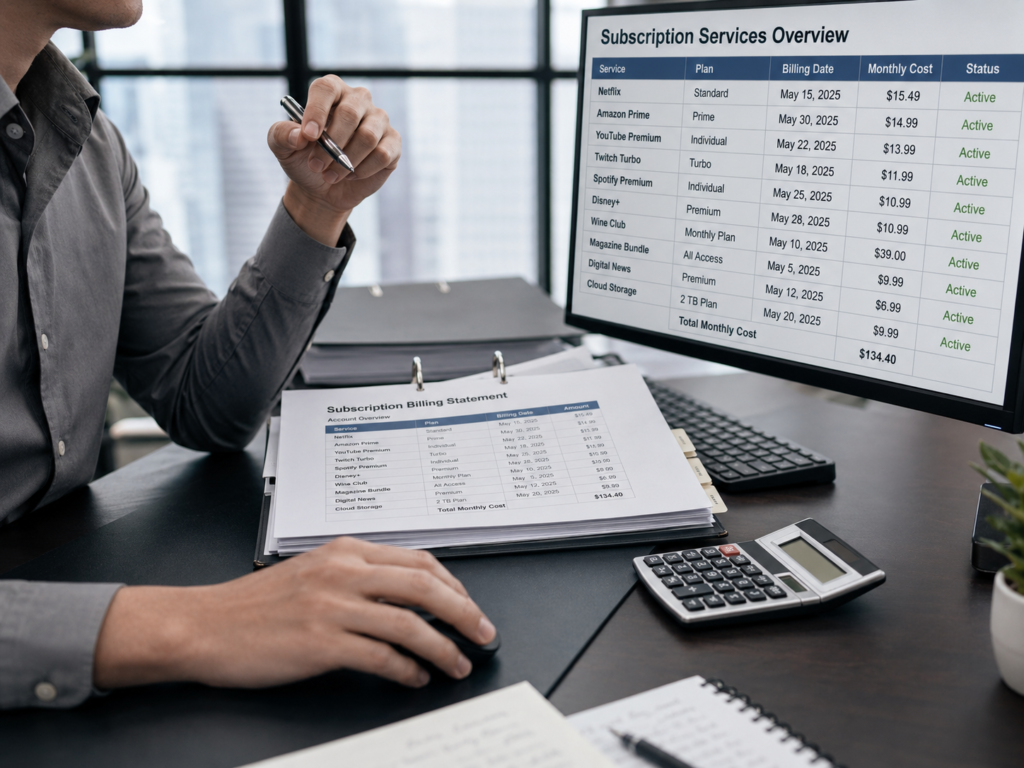
Do not cancel from memory.
Make a simple list first.
Use these columns:
- name on statement;
- amount;
- billing date;
- what you think it is;
- whether it is still useful;
- next action.
The point is to move every recurring charge from fog into daylight.
Some entries will be obvious. Netflix is Netflix. Spotify is Spotify. The cloud storage charge may be annoying, but at least it has the decency to introduce itself.
Others will require detective work.
Search your email for the exact amount and for words like “receipt,” “invoice,” “renewal,” “trial,” “subscription,” “payment,” “membership” and “order.” If you use more than one email address, search them all. If a family member signed up through their account, the receipt may not be in your inbox at all.
This is not overkill.
Apple’s own support guidance says that if you cannot find a subscription in your Apple account, you should search email receipts and check which Apple Account was used. If you cannot find an Apple receipt, the subscription may have been purchased from another company and you need to check the bank or card statement to identify who bills you.
That is the core rule:
The app name tells you what you used. The statement tells you who is charging you.
Check the Three Places Subscriptions Hide
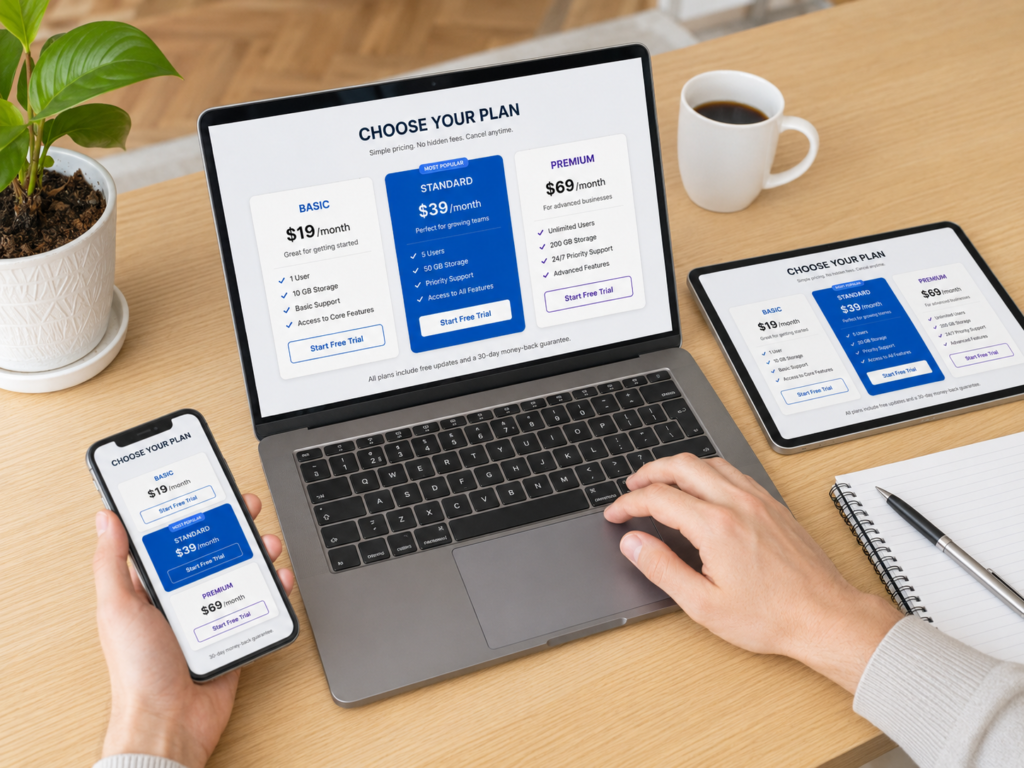
Once you have the statement list, check the main billing centers.
App Store and Apple Account
For subscriptions billed by Apple, check your Apple Account subscription settings. Apple says iPhone users can go to Settings, tap their name, then tap Subscriptions. On Mac, the App Store account settings include a subscription management area.
This will not show every subscription in your life.
It shows subscriptions billed through Apple.
If the subscription is not there, it may still be active somewhere else. It may be billed directly by the company, through Google, through PayPal, through a carrier, through a website or through another Apple Account used by someone in the family.
Google Play
For Android app subscriptions billed through Google Play, check Google Play subscriptions while signed into the correct Google Account. Google also warns that uninstalling an app does not cancel a subscription.
That sentence deserves a frame.
Deleting the app removes the icon from your phone. It does not necessarily remove the billing agreement from your life.
If you used more than one Google account, check each account. The one you use for email may not be the one you used for a free trial in an app three phones ago.
PayPal and Other Payment Wallets
PayPal calls these automatic payments, subscriptions, billing agreements or recurring payments. Its help page says you can find them in Settings, then Payments, then Subscriptions and saved businesses or Automatic Payments.
This matters because some people do not see the merchant directly on their card statement. They see PayPal, then assume the charge is too vague to track.
It is not.
Open the wallet account and look for saved merchants, automatic payments and linked businesses. Do the same with any other payment wallet you use.
The subscription may not be hiding in your budget.
It may be hiding inside the payment method.
Look for Annual Charges, Not Just Monthly Ones
Monthly charges are easier to spot because they repeat often.
Annual charges are sneakier.
They behave once a year, then return with the confidence of someone who still has your card.
To catch them, review at least 12 months of statements if possible. If that is too much for one sitting, start with the last 90 days, then check the same month one year earlier. Many annual subscriptions renew around the date you first signed up: tax software, cloud backup, antivirus, domain names, professional tools, learning platforms, storage, productivity apps, memberships and magazine or newsletter subscriptions.
Annual billing is not bad by itself. Sometimes it is cheaper than monthly billing for a service you actually use.
But it can hide waste because it does not irritate you every month.
One $79 charge may be more expensive than a $6.99 monthly subscription. It just has better manners.
Find the Free Trials That Became Paid Plans
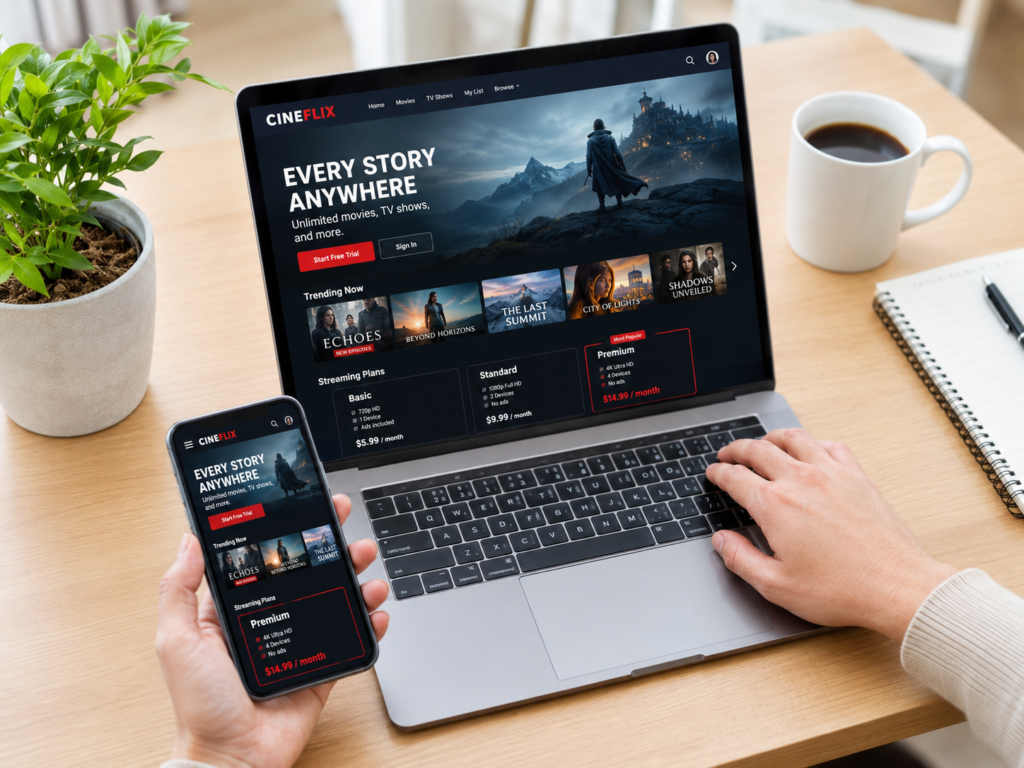
Free trials are not free if your calendar forgets about them.
The FTC warns that many free trial offers require a credit card and may begin charging if you do not cancel on time. It also advises consumers to check cancellation terms, watch for pre-checked boxes, mark the trial deadline and monitor card statements.
This is where the subscription audit becomes a time machine.
Search your email for:
- free trial;
- trial ends;
- welcome;
- premium trial;
- upgrade;
- renews on;
- your subscription starts;
- manage subscription;
- cancel anytime.
Then check whether any of those trials became paid plans.
Be especially careful with services that charge after a short promotional period. A $1 trial can become a $29.99 monthly plan. A discounted first year can renew at the regular annual price. A bundle can turn into separate charges after the promotion ends.
The first price is the invitation.
The renewal price is the relationship.
Separate Useful, Forgotten and Suspicious Charges
Once you have the list, sort each subscription into one of three categories.
Keep
Keep subscriptions that you use, understand and can afford.
This includes services that save time, support work, protect data, provide entertainment you genuinely use or replace a higher cost elsewhere.
A subscription is not waste just because it is recurring.
The question is whether it still does a job.
Cancel or Downgrade
Cancel or downgrade subscriptions that are no longer used, duplicated or too expensive for their role.
Common examples:
- two cloud storage plans when one is enough;
- multiple streaming services used one at a time;
- apps kept for a project that ended;
- gym or fitness apps replaced by another routine;
- software tools used once a quarter but billed monthly;
- newsletters you stopped reading;
- delivery memberships that no longer match your habits.
Downgrading can be more realistic than canceling. A smaller storage plan, cheaper streaming tier, annual-to-monthly switch or paused membership may solve the problem without pretending you will never use the service again.
Investigate
Investigate charges you do not recognize, charges that continued after cancellation, duplicate charges, price increases you missed or companies that make cancellation difficult.
Do not ignore a charge just because it is small.
Small unauthorized or unwanted charges can be a test, a mistake, a forgotten trial or a sign that your payment details are still attached somewhere you did not expect.
Cancel From the Billing Source
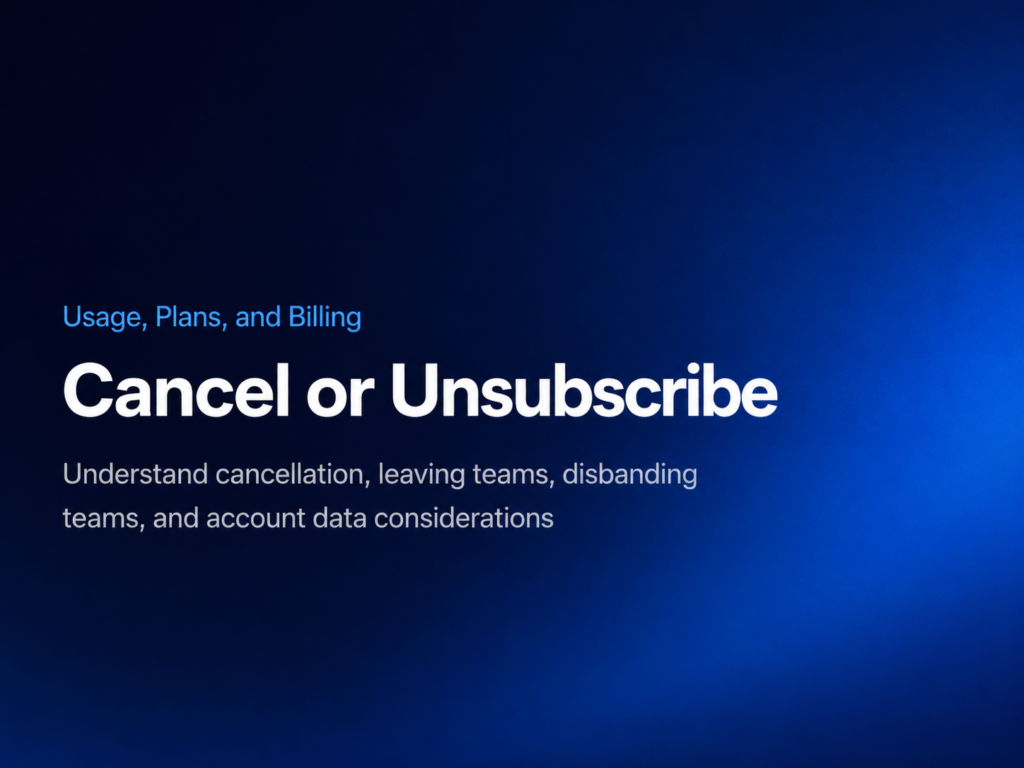
This is the part that trips people up.
You need to cancel where the billing relationship lives.
If Apple bills it, cancel through Apple. If Google Play bills it, cancel through Google Play. If PayPal handles the automatic payment, cancel or manage the agreement in PayPal and check the merchant too. If the company bills you directly, cancel through the company’s account settings or customer support.
Do not rely only on:
- deleting the app;
- deleting your account;
- removing the card from one device;
- unsubscribing from marketing emails;
- turning off notifications;
- assuming a failed payment canceled the service.
Those things may stop messages, access or convenience.
They may not stop billing.
After you cancel, save proof:
- confirmation number;
- cancellation email;
- screenshot of the cancellation page;
- chat transcript;
- date and time;
- name of the company or agent;
- last day of access;
- whether a refund was promised.
This is not because you expect trouble.
It is because trouble is much easier when it arrives without paperwork.
Watch the Next Statement
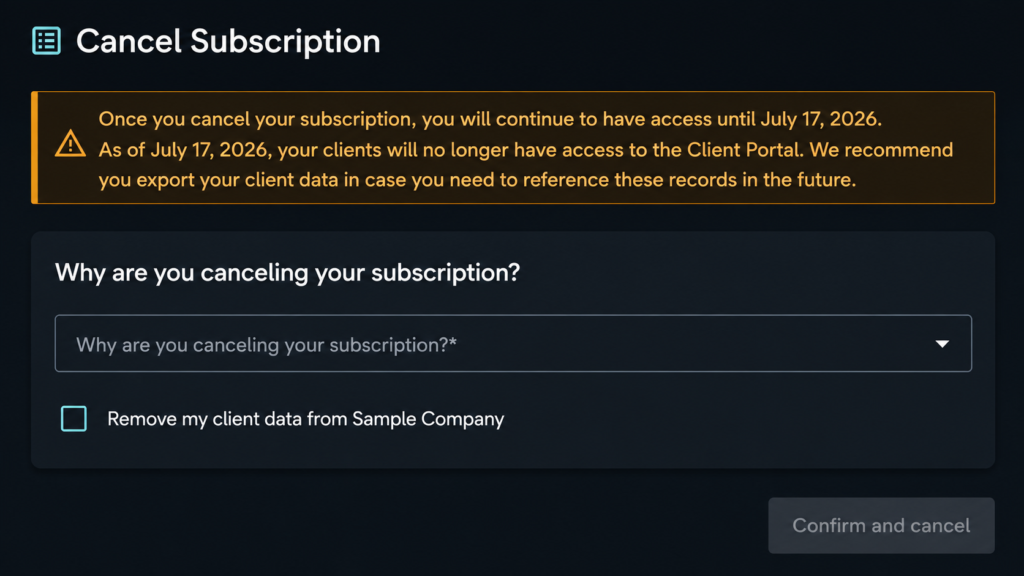
Canceling is not the final step.
The final step is checking whether the charge actually stopped.
The FTC advises people who cancel subscriptions to monitor bank or credit card statements and keep records. If a company keeps charging after you canceled, you may need to dispute the charge with your credit or debit card company.
Give the cancellation one billing cycle, depending on the terms. Some subscriptions remain active until the period you already paid for ends. That is normal. The problem is a new charge after the cancellation should have stopped renewal.
Set a reminder for a few days after the next expected billing date.
If the charge appears again, gather your records and contact the company. If that fails, contact the card issuer or bank and follow its dispute process.
The boring screenshot you saved may become very useful.
Boring screenshots are underrated financial tools.
Be Careful With Automatic Bank Payments

Subscriptions can charge a card, a wallet or a bank account.
Automatic payments from a bank account deserve special attention because they can create overdraft or nonsufficient funds problems if the account balance is low. The CFPB explains that automatic payments involve giving a company permission to withdraw money from your account on a recurring basis, and it advises consumers to review authorization terms, keep records and monitor the account.
The practical difference is simple:
With bank bill pay, you tell your bank to send money. With automatic debit, you give the company permission to take it.
That can be convenient. It can also be harder to track if you forget which companies have permission.
For each automatic bank payment, ask:
- Did I authorize this?
- Is the amount fixed or variable?
- How often does it happen?
- How do I stop it?
- Do I have a copy of the authorization?
- Could this cause an overdraft if money is tight?
If the charge is attached to a loan, utility, insurance policy or other essential service, slow down before canceling. The goal is not to break something important. The goal is to understand what is happening before it surprises you.
Do Not Depend on One Subscription-Finder App
Some banking apps, budgeting apps and payment apps can help identify recurring charges.
That can be useful.
But do not treat any tool as complete.
A subscription finder may miss cash-like payments, PayPal agreements, app-store billing, charges on a different card, family accounts, work accounts, carrier billing or annual renewals that have not happened recently.
Use tools as a flashlight, not as the whole inspection.
The most reliable audit combines:
- bank statements;
- credit card statements;
- email receipts;
- Apple subscriptions;
- Google Play subscriptions;
- PayPal or wallet automatic payments;
- phone carrier bills;
- direct merchant accounts;
- calendar reminders for annual renewals.
That sounds less magical because it is.
It also works.
Build a Renewal Calendar So This Does Not Become a Tradition
Finding forgotten subscriptions once is useful.
Preventing them from quietly returning is better.
Create a simple renewal calendar. For every subscription you keep, record:
- service name;
- amount;
- billing frequency;
- payment method;
- renewal date;
- cancellation link or path;
- whether the price is promotional;
- whether anyone else in the household uses it.
For free trials, set two reminders:
- one when the trial starts;
- one two or three days before it renews.
For annual plans, set a reminder at least two weeks before renewal. Annual charges often feel like ambushes because people meet them only once a year. A calendar turns the ambush into an appointment.
That may be less exciting than a budgeting breakthrough.
But money often improves through small administrative victories.
When Cancellation Becomes a Chore
Some subscriptions are easy to cancel.
Others behave like the exit is hidden behind a decorative bookshelf.
If cancellation is confusing, take notes. Search the company’s help center. Try the account settings. Use official support channels. Keep screenshots. If the company says cancellation requires a phone call, write down the date, time and what happened. If you cannot cancel online, note that too.
The FTC and CFPB have both warned about subscription practices that make cancellation difficult or unclear. The legal landscape also continues to shift. The FTC announced a click-to-cancel rule in 2024, but the official regulatory record later states that the FTC implemented the Eighth Circuit’s decision vacating that 2024 rule and returned the Negative Option Rule to its earlier form in 2026, while opening a new request for public comment on online subscriptions and cancellations.
In plain English:
Do not assume cancellation will be easy just because it should be.
If a company keeps charging after you canceled, use your records. Contact the company first if appropriate. Then consider disputing the charge with your bank or card issuer. You can also report problems with unwanted subscription charges or difficult cancellation to the FTC at ReportFraud.ftc.gov and to your state attorney general.
The Subscription Audit That Takes Less Than an Hour
If you want the short practical version, do this:
- Open the last three months of bank and card statements.
- Highlight every recurring or suspicious charge.
- Search email for receipts and renewal notices.
- Check Apple subscriptions, Google Play subscriptions and PayPal automatic payments.
- Review annual charges from the last 12 months.
- Sort each subscription into keep, cancel, downgrade or investigate.
- Cancel from the billing source, not just the app.
- Save proof.
- Check the next statement.
- Add future renewals to a calendar.
That is the whole project.
Not glamorous. Very useful.
The Quiet Money Counts Too
Forgotten subscriptions are not usually the reason a budget collapses.
But they can make a budget feel leaky.
A few small charges can quietly absorb money that could have gone somewhere more intentional: a bill, a savings goal, a trip, a repair, a book, a dinner, a week with less pressure. The point is not that every dollar must be optimized until life becomes a spreadsheet with a pulse.
The point is choice.
If you love the service, keep it.
If it still solves a problem, keep it.
If it has been sitting in your statement for months hoping you would not notice, let it explain itself.
A subscription should not win because it was quiet.
It should win because it still belongs in your life.
FAQ
How do I find subscriptions I forgot about?
Start with bank and credit card statements, then check email receipts, Apple subscriptions, Google Play subscriptions, PayPal automatic payments, phone bills and direct merchant accounts. Review at least three months of statements, and check the last 12 months for annual renewals.
Does deleting an app cancel the subscription?
Not necessarily. Google warns that uninstalling an app does not cancel a Google Play subscription. In general, cancel where the subscription is billed: Apple, Google Play, PayPal, the merchant, your carrier or another billing provider.
Why can I not find a subscription in my Apple or Google account?
It may be billed through another account, another email address, a family member, the merchant directly, PayPal, your phone carrier or a different payment method. App-store subscription lists only show subscriptions billed through that platform.
What should I do after canceling a subscription?
Save proof of cancellation, including confirmation emails, screenshots or chat records. Then check your next statement to confirm the charge stopped. If the company keeps charging after cancellation, contact the company and consider disputing the charge with your card issuer or bank.
Are annual subscriptions harder to find?
Yes. Monthly subscriptions repeat often enough to become visible. Annual subscriptions may appear only once a year, so review the last 12 months of statements and set calendar reminders before renewal dates.
Should I use a subscription-tracking app?
A subscription-tracking app can help, but it should not be your only method. Some tools may miss subscriptions billed through another card, account, wallet, carrier, family member or annual renewal cycle.
External Sources
- FTC Consumer Advice: Getting In and Out of Free Trials, Auto-Renewals, and Negative Option Subscriptions
- FTC: Negative Option Rule
- FTC Business Guidance: Negative Option-Related Regulations, March 2026
- Reginfo.gov: FTC Negative Option Rule Unified Agenda Entry
- CFPB: How Do Automatic Payments From a Bank Account Work?
- CFPB: Guidance on Subscription Practices and Unwanted Fees
- Apple Support: Cancel a Subscription From Apple
- Google Play Help: Cancel, Pause, or Change a Subscription
- PayPal Help: What Is an Automatic Payment and How Do I Update or Cancel One?
