
Entertainment
Is Amazon Luna Worth It for Prime Members? What You Get, What You Need, and the Best Setup
Amazon Luna is not a full replacement for a gaming PC or console, but for U.S. Prime members it can be a surprisingly useful way to play on the TV with a simple setup.
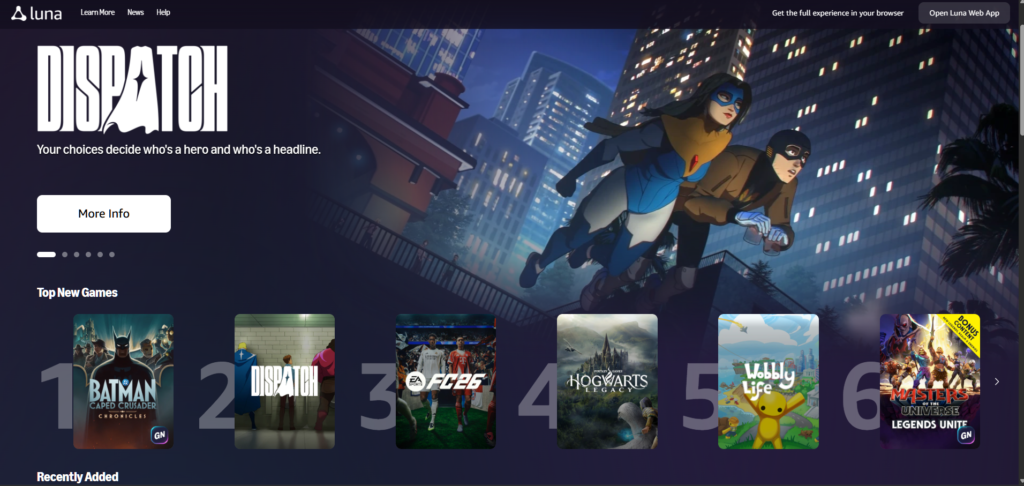
Amazon Luna Cloud Gaming Catalog for Prime Members
I don’t look at Amazon Luna as someone who’s desperate for another place to play games.
If you already have a gaming PC, Steam, Epic Games, maybe an Xbox or PlayStation, and a backlog that somehow keeps growing even when you swear you’re done buying games, Luna doesn’t arrive in an empty room. It walks into a house where gaming already has several strong answers.
The PC is still my favorite kind of gaming machine in the broadest sense. It gives you Steam sales, Epic freebies, mods, graphics settings, keyboard and mouse, old games, new games, strange indie experiments, giant open-world releases, and enough freedom to make the whole thing feel personal. A console has a different purpose. It’s simpler, more focused, and often better when you just want to sit down with a controller and start playing without thinking about drivers, launchers, storage folders, or whether one graphics setting is stealing performance.
So I don’t think Amazon Luna needs to beat the PC or replace the console. I’d rather judge it by a more practical question: can it make gaming easier in the moments when my normal setup feels heavier than it needs to?
There are nights when I don’t want to sit at the desk. Sometimes the TV is simply the better screen. And sometimes the appeal is very basic: plug a Fire TV Stick into the living-room setup, pair a controller, open a game, and play without downloading 80GB first.
That’s when Luna starts to make sense to me.
For U.S. Prime members in 2026, Amazon Luna is worth trying if you want a casual, flexible way to play without buying another dedicated gaming machine. The service includes more than 50 cloud games with Prime, Amazon still offers monthly PC games that members can claim, and Luna Premium adds a larger catalog for $9.99 per month. Luna also works across Fire TV, PC, Mac, Chromebook, iOS, Android, Fire tablets, and select Samsung Smart TV and Xfinity devices in the U.S.
My short verdict: if you already pay for Prime, try Luna before buying anything else. If it feels good on your internet and your screen, a good controller and the right Fire TV setup can make it much more useful.
Disclosure: As an Amazon Associate, we may earn from qualifying purchases.
Amazon Luna vs Prime Gaming: What Prime Members Actually Get
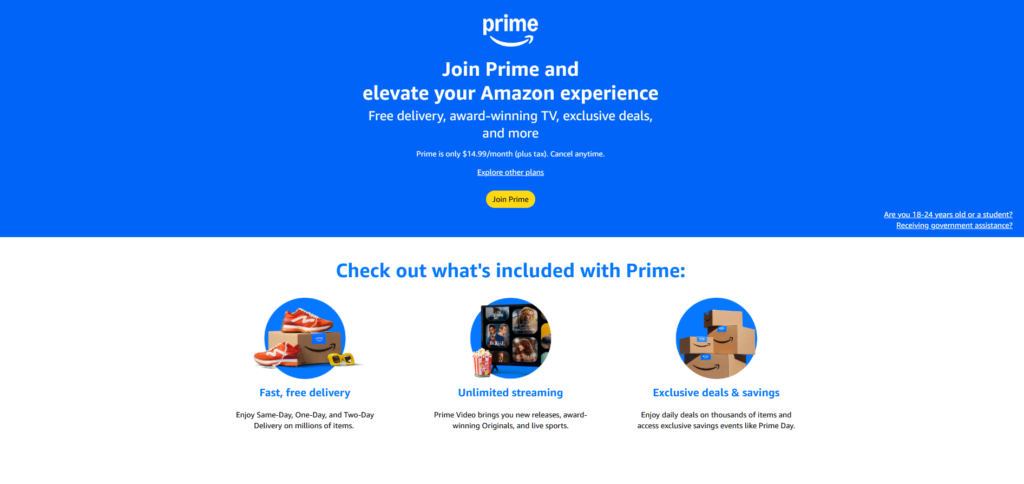
Amazon’s gaming names can get messy, so I’d separate the experience into two parts.
Luna is the cloud gaming side. You stream games instead of installing them locally. In the U.S., Prime members get access to more than 50 cloud games at no extra cost beyond the Prime membership. You open Luna on a supported device, choose a game from the included library, and play over the internet.
Prime’s older gaming benefit is the monthly PC game claim. Amazon still offers a rotating selection of downloadable PC games that Prime members can redeem. Those games are different from cloud games because you usually claim them through a PC store or app and then install them locally.
I’d explain it this way: Luna is for quick cloud play, while the monthly PC games are for building a PC library over time. A Steam game feels like part of a library you manage and return to. An Epic Games freebie feels like a claimed title you keep in that ecosystem. A Luna game feels closer to opening a streaming app. It’s convenient, but the catalog can rotate, and the experience depends on your connection.
I like that split because it keeps expectations clean. I wouldn’t treat Luna as my permanent archive. I’d treat it as the easy-play option. If I want to own, mod, tweak, or preserve a game, I still prefer PC. If I want to sit on the couch and start something quickly without a download, Luna has a stronger case.
For a U.S. Prime member, the bundle looks like this:
- Luna gives you cloud games you can start quickly on supported devices.
- Prime gives you monthly PC games and gaming perks.
- Luna Premium gives you a larger paid cloud catalog if the included Prime library isn’t enough.
- Fire TV and Prime Video integration make the living-room version easier to discover.
The service doesn’t need to be your main platform to be useful. It only needs to be convenient enough that you actually use it.
Is Amazon Luna Worth It in 2026?
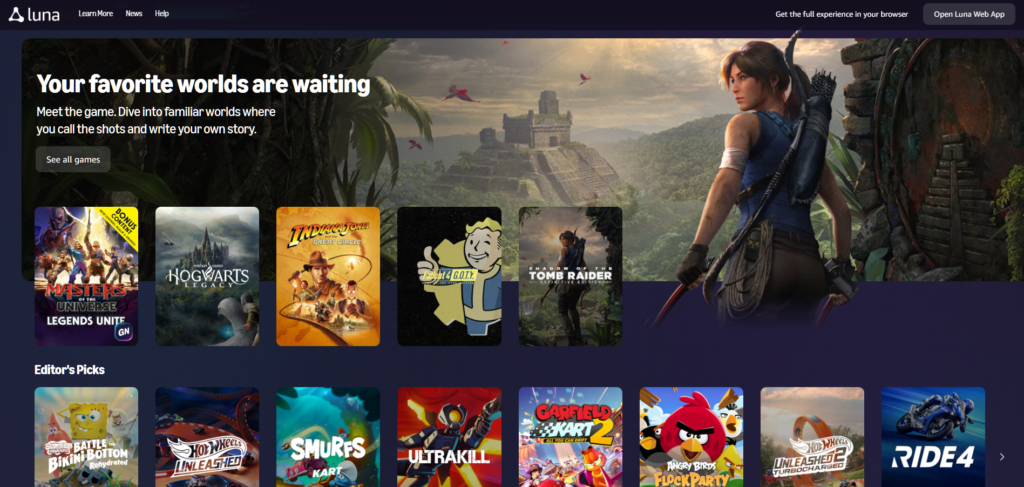
For U.S. readers, Luna deserves a different evaluation than it would in countries where the cloud service is limited or unavailable. In the United States, Amazon’s pitch is much clearer: Prime members can stream a Luna library, claim rotating PC games, and upgrade to Luna Premium if they want a broader cloud catalog.
I’d start with the Prime tier because it’s the lowest-risk test. If you already pay for Prime, you don’t need to justify Luna as a separate subscription on day one. You need to see whether it works well enough in your actual home.
That test should happen on the device you’d really use. If the dream is playing on the couch, don’t only test Luna on a laptop sitting next to the router. Try it on the TV. Try it through Fire TV if that’s your setup. Pair a controller you already own if it’s compatible. Play long enough to notice whether the input feels natural or slightly delayed.
Amazon recommends a stable internet connection of at least 10 Mbps for Luna. I wouldn’t read that as “any connection above 10 Mbps will feel perfect.” Cloud gaming is more sensitive than video streaming because the game has to respond to your input in real time. A movie can buffer ahead. A game can’t quietly buffer your next button press.
A bad Luna session doesn’t automatically mean the service is useless. It may mean your Wi-Fi is weak in the living room, your household network is busy, or your setup needs Ethernet or a stronger router. Your network is part of the gaming hardware now, whether you like that idea or not.
I’d recommend trying Luna if:
- You already pay for Prime.
- You want to play on a TV, Fire TV device, laptop, tablet, or phone.
- You like starting games without large downloads.
- You want something simple for family nights or casual multiplayer.
- You want monthly PC games as a bonus alongside Steam and Epic.
I’d be more careful if:
- You mainly play competitive shooters or fast online games.
- You’re sensitive to input delay.
- You want to own every game permanently.
- Your home Wi-Fi is inconsistent.
- You already spend most of your gaming time on a strong PC or current console.
The balance matters more than the hype. I love what a gaming PC can do because it’s flexible, powerful, and personal. I also understand why consoles exist, because sometimes the best gaming device is the one that keeps the experience simple. Luna sits in a third lane. It’s the service you try when convenience matters more than control.
What You Get With Prime
For U.S. Prime members, the headline benefit is access to more than 50 cloud games through Luna at no additional cost beyond Prime. The catalog can change, so I wouldn’t build the article around a fixed list of titles. I’d use live examples only after checking the catalog close to publication.
The useful part is the type of access. Luna lets Prime members play without installing full games locally. That’s helpful if you have limited storage, if you’re using a Fire TV device, or if you simply don’t want to wait through another huge download before you find out whether a game is even for you.
Amazon also offers monthly PC games for Prime members. If you already collect games through Steam and Epic, Prime’s monthly claims can feel like another small library-building habit. Some months will matter more than others. Some games may become things you actually play. Others may sit untouched. That’s normal if you already live with a digital backlog.
I wouldn’t oversell the monthly PC games as a reason to buy Prime by themselves. As part of a Prime membership someone already uses, though, they’re a real bonus.
What Luna Premium Adds For $9.99 Per Month
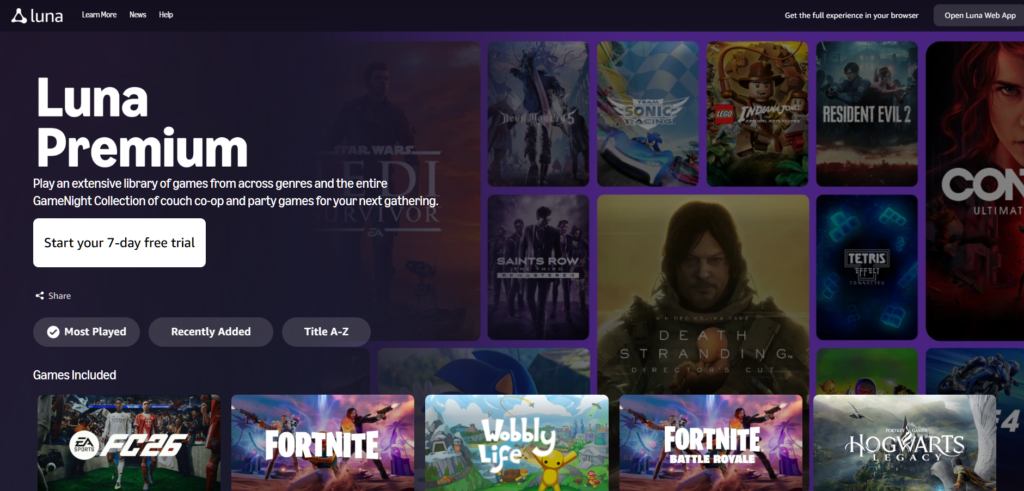
Luna Premium costs $9.99 per month in the U.S. and adds a larger cloud gaming catalog.
I wouldn’t start there. If I were advising a Prime member, I’d tell them to test the included Luna library first. The free-with-Prime tier answers the most important questions: does Luna work well on your internet, do you like the device experience, and do you actually enjoy playing this way?
The upgrade makes sense if you check the Premium catalog and see several games you genuinely want to play soon. It makes less sense if you’re subscribing because the idea of a larger library sounds good in theory. A $9.99 service you open every week can feel cheap. A $9.99 service you forget about after two weekends becomes another quiet charge.
I’d treat Luna Premium as seasonal. Use it when the catalog has games you want. Cancel it when it doesn’t.
Why Fire TV Makes Luna More Interesting
Amazon’s July 23, 2026 move to bring Luna games into the Prime Video app on Fire TV in the U.S. and U.K. is one reason this topic deserves a buyer-aware article now.
From a user’s point of view, the change makes Luna less hidden. If you already open Prime Video on Fire TV, games can appear closer to the same place where you watch shows and movies. You don’t have to remember that Amazon has a separate gaming service buried somewhere else.
It also makes the physical setup feel natural. A controller, Fire TV device, headset, or Ethernet adapter isn’t random affiliate padding if it helps the reader turn Luna into a better living-room experience.
I’d still rather play many games on a gaming PC, especially if I care about graphics settings, mods, or long sessions at a desk. But the Fire TV setup solves a different problem. It makes gaming available on the TV without asking me to move the PC, install a console, or commit to another box under the screen.
If the reader already uses Fire TV, Luna is one controller away from becoming something they can try seriously.
Quick Setup Links
Use this block for affiliate links once the final URLs are ready.
| Setup Need | Best First Link |
|---|---|
| Try the service | Amazon Luna / Play with Prime |
| Prime membership | Amazon Prime |
| Bigger game library | Luna Premium |
| Best Luna-first controller | Official Luna Wireless Controller |
| Best TV path | Fire TV Stick 4K or Fire TV Stick 4K Max |
| Best flexible controller | Xbox Wireless Controller |
| Best PlayStation household option | DualSense Wireless Controller |
| Smoother wired connection | Amazon Ethernet Adapter for Fire TV |
| Desk setup | Wireless gaming keyboard and mouse combo |
| Budget headset | Wireless gaming headset |
| Phone play with Xbox controller | Xbox controller phone mount |
| Phone play with DualSense | DualSense phone mount |
| Better Wi-Fi | Wi-Fi 6 router |
What I’d Buy First
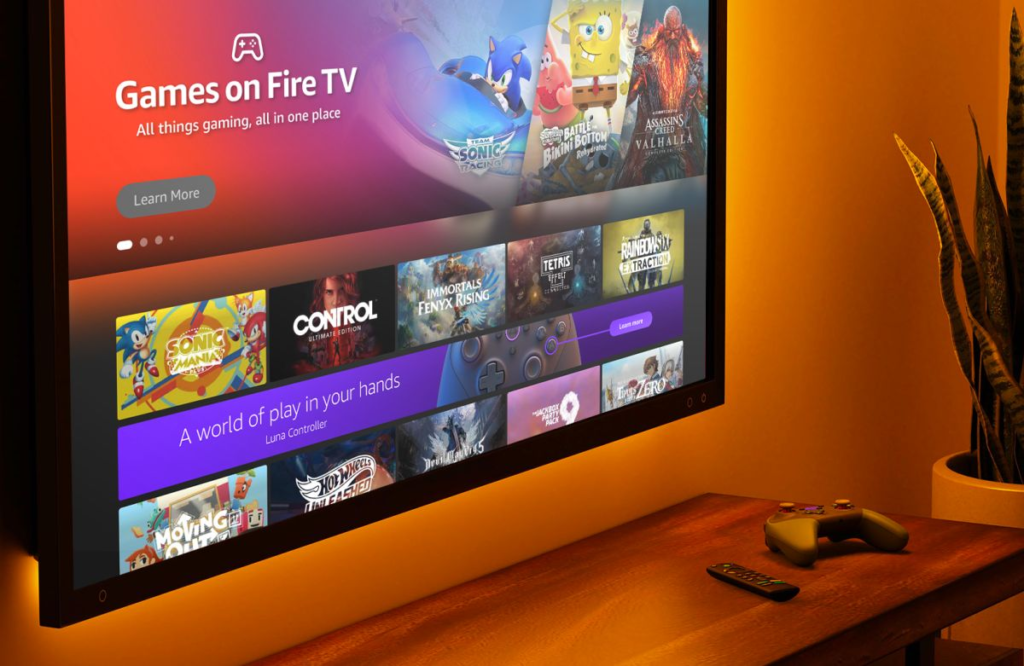
I’d build the setup in stages. Luna is supposed to make gaming easier, so it’d be strange to recommend a pile of gear before the reader knows whether the service works for them.
Start with the controller. The Luna Controller is the most Luna-specific option because Amazon designed it for the service, and its direct cloud connection is meant to reduce input delay compared with a normal Bluetooth route. If someone plans to use Luna mainly on Fire TV, this is the cleanest match.
The Xbox Wireless Controller is the safer all-around pick. It works well across PC gaming, Xbox, mobile devices, and many cloud services. If someone already plays on PC through Steam or Epic, an Xbox controller is easy to justify because it won’t be useful only for Luna. If the reader already has a PlayStation setup, I’d try the DualSense first before buying anything new.
After the controller, solve the screen. If the reader wants Luna because it makes couch gaming easier, Fire TV is the natural path. A Fire TV Stick 4K, Fire TV Stick 4K Max, or compatible Fire TV device keeps the setup small: TV, Fire TV, controller, internet. If they already have a compatible Samsung Smart TV, Xfinity device, PC, Mac, Chromebook, Fire tablet, iPhone, iPad, or Android device, they should test there first.
Then deal with the network only if Luna stutters. If the Fire TV device is near the router, an Ethernet adapter can be a smart upgrade, assuming the device supports it. If the room has weak Wi-Fi, a better router placement or Wi-Fi 6 router may help more. I wouldn’t make readers buy network gear first. I’d tell them to test Luna, notice the problem, and fix the specific bottleneck.
Everything else is optional. A headset helps for late-night or solo play. Keyboard and mouse matter mostly for people testing Luna at a desk. A phone mount for Xbox controllers or phone mount for DualSense can help if mobile play becomes a real habit.
GameNight Is The Family And Party Angle
GameNight is one of the most interesting Luna features because it doesn’t try to copy the PC or console experience directly.
Instead, it leans into the TV. People can use their phones as controllers for supported games, which makes local multiplayer easier when not everyone has a gamepad. That’s a smart fit for families, casual gatherings, and people who want something more interactive than choosing another show.
This is where Luna feels most different from my normal PC gaming habits. Steam is wonderful, but Steam isn’t always the simplest way to get four people playing in a living room. Consoles can do that well, but they still require the hardware and controllers. Luna’s GameNight idea is lighter: open the game, connect phones, play.
I wouldn’t use GameNight as the entire reason to subscribe to Luna Premium. As part of the Prime value in the U.S., though, it gives the service a clearer personality.
What Kind Of Games Make Luna Worth Trying?
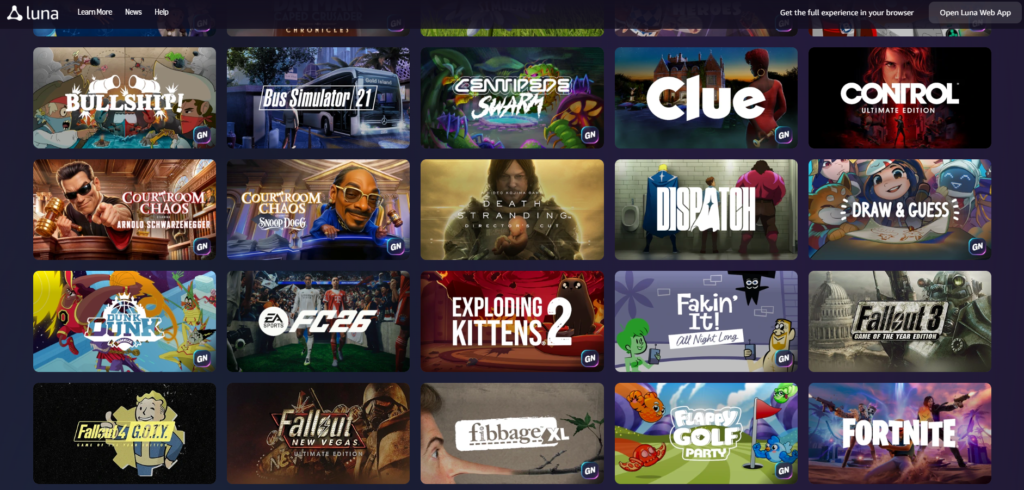
I wouldn’t make a permanent catalog list in the main body because the available games can change. A better article should talk about the kinds of games that fit Luna well, then update examples close to publication.
Luna makes the most sense for casual games, party games, controller-friendly sports games, single-player adventures where tiny latency differences matter less, and familiar titles someone wants to try before committing storage or money elsewhere.
It makes less sense for competitive shooters, mod-heavy games, titles you want to own permanently, or very long campaigns if you dislike rotating catalogs.
This is where the game examples can make the article more concrete. For Prime, I’d use names like Hogwarts Legacy, Indiana Jones and the Great Circle, Kingdom Come: Deliverance II, and TopSpin 2K25 only after verifying they are still available in the current Luna catalog. For Luna Premium, examples like EA SPORTS FC 25, Star Wars Jedi: Survivor, and Batman: Arkham Knight can help explain why someone might pay for the larger library. For GameNight, titles like The Game of Life 2, Wobbly Life, House of Golf 2, Lara Croft and the Temple of Osiris, and Overcooked! can show why the service works well on a TV with other people nearby.
Those examples should not become a long catalog dump. They should answer one reader question: “What would I actually play first?”
Games I’d Try First On Luna
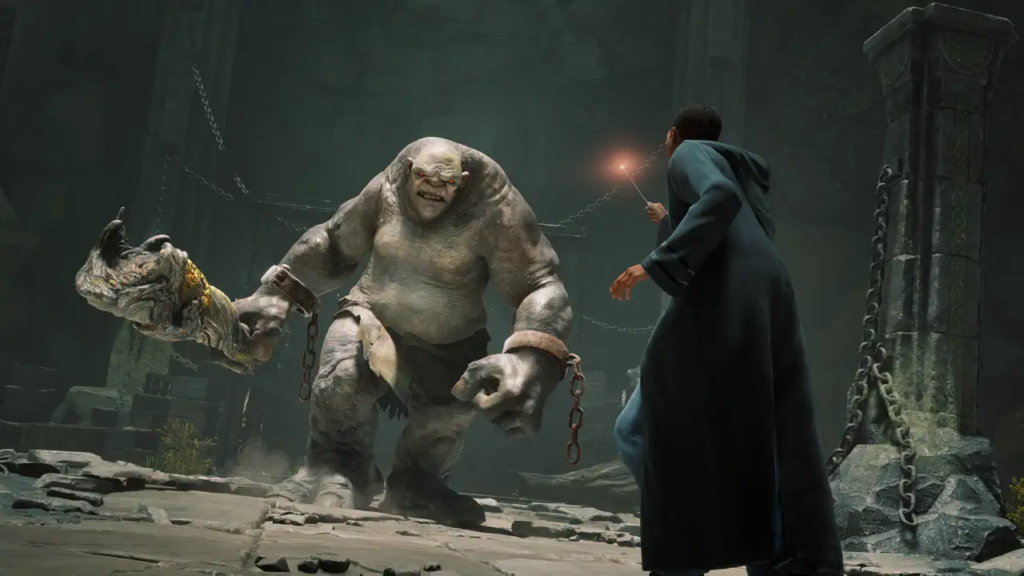
Hogwarts Legacy is the easiest mainstream example for me. The whole appeal is immediate: start as a student at Hogwarts, learn spells, wander outside the castle, and get pulled into a world that already means something to millions of people. As a Harry Potter fan, I was completely taken by the visual side of the game, but it also made my PC struggle when I pushed the settings higher. That’s exactly the kind of game I’d be curious to test through Luna, because if the stream handles it well, my graphics card can take the night off.

Indiana Jones and the Great Circle is another strong Prime example because it isn’t only a gaming brand. It’s Indiana Jones. I played it when it hit Game Pass, and it has the visual identity the franchise needs: the hat, the jacket, the old adventure-movie texture, and the funny tension of trying to be stealthy when you’re basically Indy standing in the middle of enemy territory. The first-person combat takes a little getting used to, but once it clicks, landing punch combinations is genuinely fun. For Luna, this is the kind of game that makes sense on a TV with a controller.

For Luna Premium, EA SPORTS FC 25 is an obvious attention-grabber, even with its mixed reputation among players. Critic scores were generally favorable, but user feedback has been much harsher, especially around bugs, menus, gameplay frustrations, and the feeling that annual sports games can be too familiar. Still, soccer is always a strong subscription argument. If FC 25 is in the Premium catalog and you play casually on the TV, it can make the $9.99 upgrade easier to understand. I’d just test latency before treating it as your main way to play.
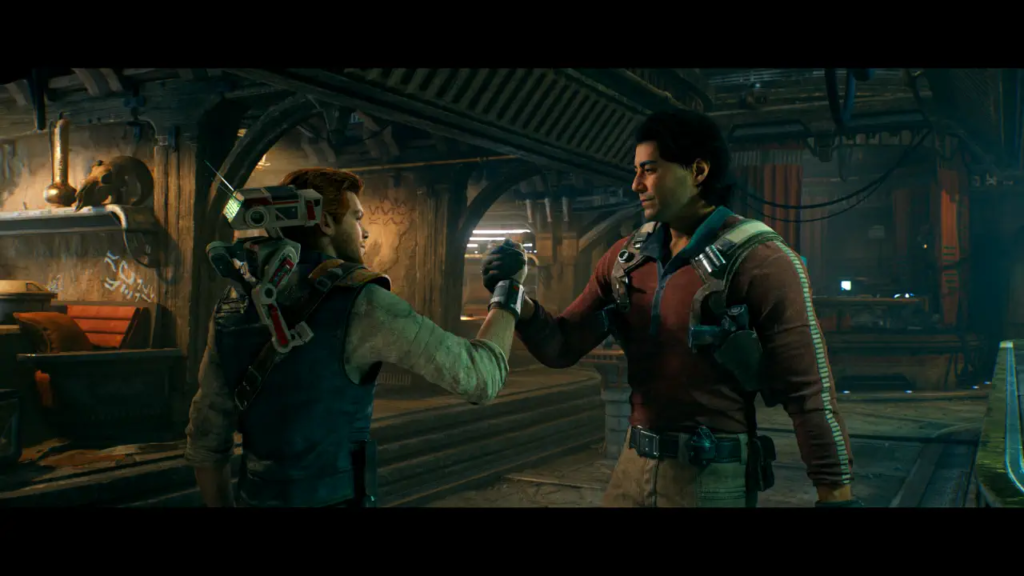
Star Wars Jedi: Survivor is the Premium example I feel most personally attached to. It’s excellent if you like Star Wars, Cal Kestis, and the Jedi/Sith tension that makes the universe work. The story is strong, the action feels good, and you don’t absolutely need to play Fallen Order first, though I think it’s worth doing because Survivor builds on that journey. I wouldn’t sell Luna as the definitive way to play a cinematic action game like this, but I’d absolutely use it as a meaningful test: if Survivor feels responsive through the cloud, Luna is doing something right.
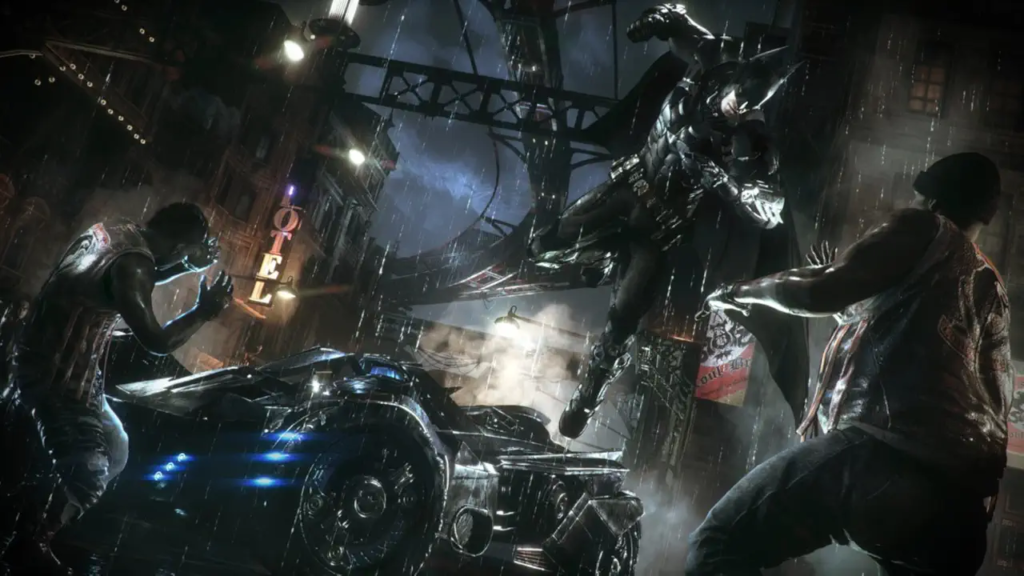
Batman: Arkham Knight is another Premium game I’d use carefully but enthusiastically. Personally, I love it. It’s my favorite in the series, with Arkham City very close behind. I agree with a lot of the common criticisms, especially around how heavy the game can feel with the Batmobile and how the Joker presence can become too much near the end. But Gotham, the movement, the combat rhythm, and the fantasy of being Batman on a big TV still work beautifully. If Luna handles gliding, driving, and combat without annoying delay, that’s a very good sign for the setup.
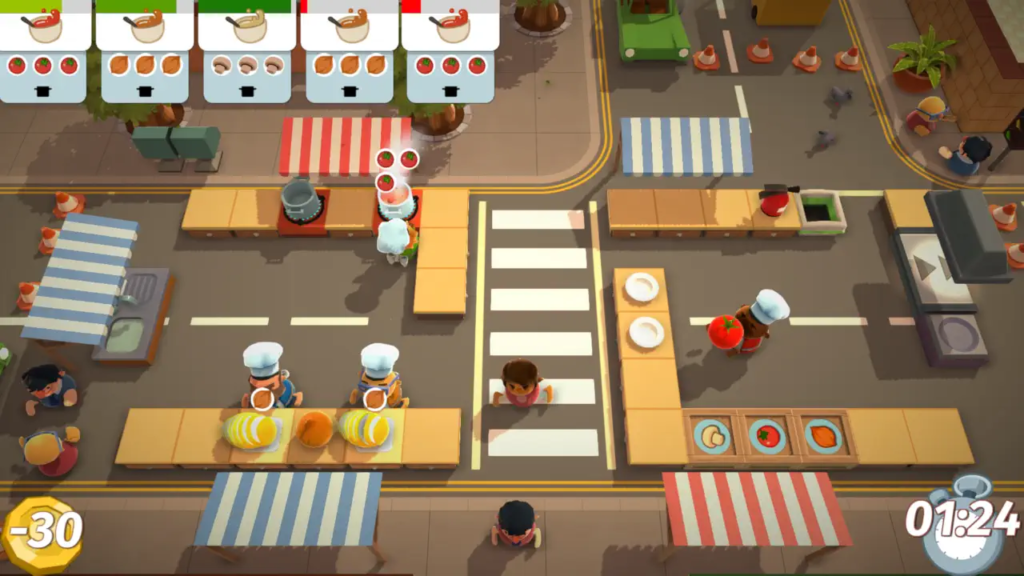
For GameNight, Overcooked! is the one I’d put near the top because I know what it does in a room. I first got into the series through Overcooked! 2 with my 10-year-old son, and we became fans of both games. It starts simple, then suddenly everyone is shouting about onions, plates, dishes, and who forgot the soup. That’s the exact kind of game that makes sense for Luna on a TV: fast to understand, better with someone next to you, and chaotic in a way that becomes the fun.
The Game of Life 2, Wobbly Life, House of Golf 2, and Lara Croft and the Temple of Osiris help round out that living-room argument. The Game of Life 2 has mostly positive Steam feedback overall and works as a board-game-style option for people who don’t usually play games. Wobbly Life has very strong player feedback on Steam and looks like a natural fit for families who want a silly open-world co-op sandbox. House of Golf 2 is lighter and has fewer user reviews, but the idea is easy to understand: local mini-golf on the TV. Lara Croft and the Temple of Osiris is older and more mixed critically, but it gives the lineup a co-op adventure option instead of only party games.
How I’d Test Luna Before Buying Anything
Before buying a Luna Controller, Fire TV device, headset, or router upgrade, I’d run a simple test.
First, open Luna on a supported device you already own. Use the Prime tier if you’re a member. Try more than one game because different genres reveal different problems.
Second, test the service where you actually want to play. If you want Luna in the living room, test it in the living room. If your Fire TV is far from the router, that’s part of the real experience.
Third, use a controller you already own if it’s compatible. An Xbox controller or DualSense may be enough to tell you whether the service feels right.
Fourth, test at the time you normally play. A quiet afternoon connection may not behave like a busy evening connection.
After that, buy only what solves the problem you actually noticed. If the service feels good but the controls feel awkward, buy the controller. If the laptop test works but you want the couch version, buy the Fire TV path. If everything works except occasional stutter, look at Wi-Fi or Ethernet.
My Practical Verdict
Amazon Luna is worth trying for U.S. Prime members, especially if you already use Prime Video, own a Fire TV device, or like the idea of playing on the TV without buying a console.
I wouldn’t sell it as a replacement for a gaming PC. The PC is still the richer platform if you want Steam, Epic Games, mods, graphics settings, flexible hardware, and a library that feels fully yours. I wouldn’t sell it as a full replacement for consoles either, because a console still gives you a dedicated local gaming box with its own exclusives, performance expectations, and simplicity.
Luna works best when I stop asking it to be those things. It’s the convenient option. It’s the “let me try this on the TV” option. It’s the Prime benefit that becomes more interesting when a Fire TV Stick and a good controller are already nearby.
My honest recommendation is to try Luna because Prime already lowers the barrier, then build the setup only if the service earns a place next to your PC, console, Steam library, and Epic backlog.
If you like the way big franchises move between books, movies, games, and fandom expectations, my guide on what to know before watching Dune: Part Three follows that same kind of question from the movie side: what does a viewer actually need to understand before the next chapter arrives?
Sources
- Amazon Luna
- Amazon Luna Premium
- Amazon Prime
- What is Amazon Luna? – About Amazon
- Amazon Luna redesign, GameNight, and Prime games – About Amazon
- Prime Video and Amazon Luna integration – Amazon Games
- Games at Amazon
- Metacritic game review references
- The Game of Life 2 on Steam
- House of Golf 2 on Steam
- Wobbly Life on Steam
